
Introduction
The Meta LLaMA model family has rapidly become the default starting point for teams exploring open source LLM deployment. Download counts are in the millions, community fine-tunes number in the thousands, and benchmark posts flood social media daily. Yet a persistent gap exists between running LLaMA in a notebook and keeping it stable under real production traffic. The challenges that surface at scale (memory pressure, latency spikes, quantization degradation, and hardware constraints) rarely get the honest treatment they deserve. What follows is a field-level account of what actually holds up when LLaMA hits production, and where the friction points force difficult trade-offs.
Hardware Realities and Model Size Selection
Choosing the right LLaMA variant for production is fundamentally a hardware budgeting decision. The 7B, 13B, and 70B parameter sizes each come with dramatically different compute and memory profiles, and selecting the wrong tier relative to your infrastructure is the single most common source of deployment failure.
Matching Parameters to Available GPU Memory
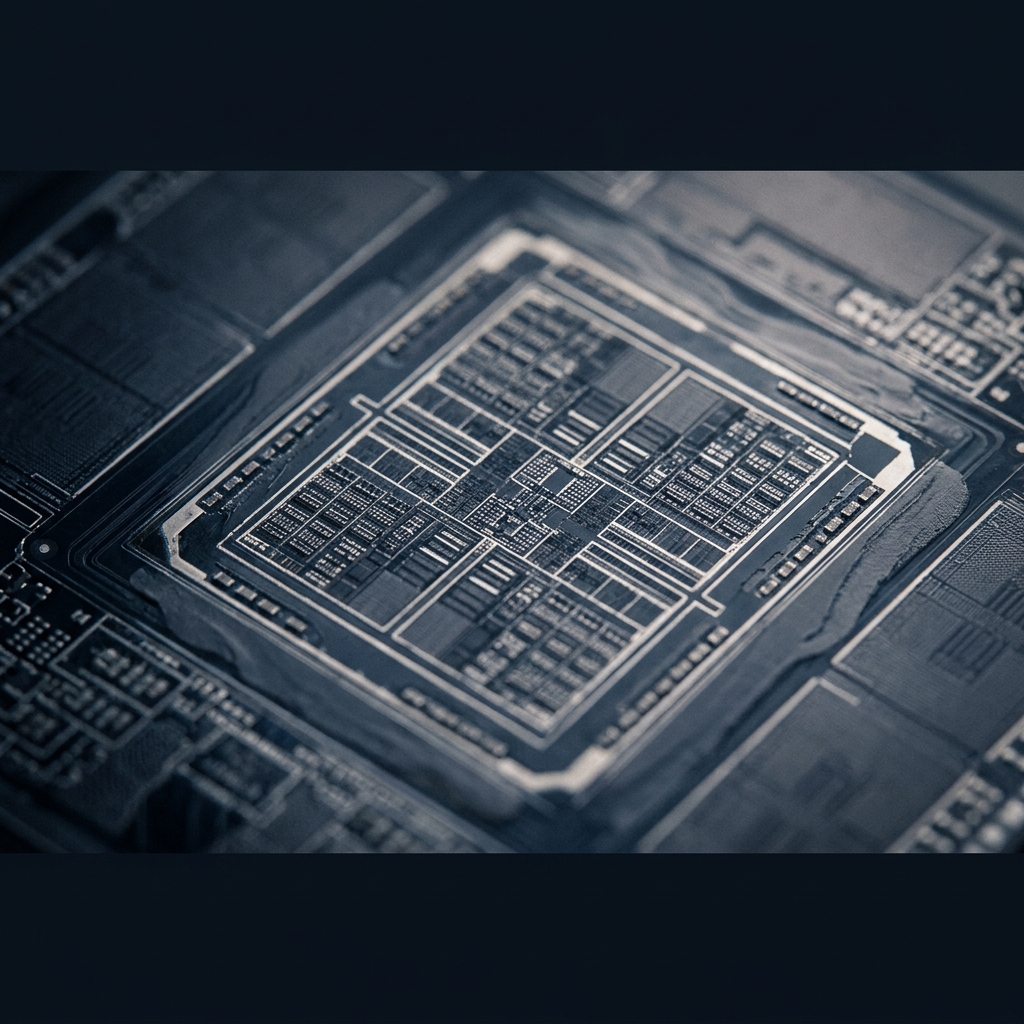
GPU memory is the hard constraint that dictates everything downstream. Running LLaMA 70B at full FP16 precision requires approximately 140 GB of VRAM, which means multi-GPU setups with A100 80GB or H100 cards are non-negotiable at that tier. Teams without that budget routinely overestimate what a single consumer-grade GPU can handle, leading to out-of-memory crashes under concurrent load. Understanding GPU memory and its implications for inference is critical before committing to a model size.
LLaMA 7B/8B: Fits on a single 24 GB GPU (RTX 4090 or A10G) at FP16, making it viable for low-latency, cost-sensitive applications
LLaMA 13B: Requires 26-28 GB VRAM at FP16, pushing most single-GPU setups toward quantization or an A100 40GB card
LLaMA 70B: Demands multi-GPU parallelism or aggressive quantization to INT4/INT8, introducing complexity in both deployment and debugging
Context length scaling: Longer context windows multiply KV-cache memory requirements, often catching teams off guard after initial testing with short prompts
The Real Cost of Running LLaMA Locally vs. Cloud
Running LLaMA locally appeals to teams concerned about data privacy, recurring API costs, or vendor lock-in. In practice, the economics only work if utilization stays consistently high. An A100 instance on a major cloud provider costs roughly $1.50 to $3.00 per hour, which adds up fast for always-on services but remains cheaper than on-premise hardware if workloads are bursty. The inference cost breakdown across providers reveals that many teams underestimate the operational overhead of self-hosting: driver updates, CUDA compatibility, thermal management, and the engineering time spent troubleshooting hardware failures. For teams evaluating total cost between open source and commercial LLMs, the comparison only becomes favorable for self-hosting at sustained volumes above a few hundred thousand tokens per hour.
Quantization, Inference Optimization, and Deployment Patterns
Getting an LLaMA model loaded onto a GPU is only the first step. Sustaining acceptable latency, throughput, and quality under real traffic requires deliberate choices about quantization, serving infrastructure, and optimization techniques that most demo-oriented guides skip entirely.
Quantization Strategies That Hold Up
LLaMA quantization is where theory and practice diverge most sharply. Reducing precision from FP16 to INT8 or INT4 cuts memory requirements by 50-75%, enabling larger models on cheaper hardware. The trade-off is quality degradation, but the degree depends heavily on the quantization method. GPTQ and AWQ (Activation-aware Weight Quantization) consistently outperform naive round-to-nearest approaches because they calibrate weight adjustments using representative data, preserving the precision that matters most for downstream tasks.
For most production use cases, 4-bit GPTQ quantization of LLaMA 70B delivers roughly 90-95% of the full-precision model's quality on summarization, retrieval-augmented generation, and classification tasks. Where it breaks down is in nuanced reasoning, multi-step math, and tasks requiring fine-grained token probability distributions. Teams deploying quantized models should run their own evaluations against task-specific benchmarks rather than relying on generic leaderboard scores. The gap between LLaMA benchmark results on standardized tests and real-world task performance is often significant. For engineers new to choosing between QLoRA and full fine-tuning in production, the quantization decision upstream heavily constrains what fine-tuning approaches remain viable downstream.
Serving Infrastructure and Latency Optimization
The serving layer is where many LLaMA deployments silently fall apart. vLLM has emerged as the de facto standard for production inference serving, primarily because of its PagedAttention mechanism that dramatically improves throughput by efficiently managing KV-cache memory. In head-to-head comparisons, vLLM handles 2-4x more concurrent requests than naive HuggingFace Transformers serving on identical hardware. TGI (Text Generation Inference by Hugging Face) is a solid alternative with better out-of-the-box support for streaming and token-level watermarking. Refer to NVIDIA's guide on LLM inference optimization for a deeper treatment of continuous batching and speculative decoding techniques that reduce time-to-first-token.
Beyond the serving framework, two optimizations consistently deliver measurable improvements. First, continuous batching (grouping incoming requests dynamically rather than waiting for fixed batch sizes) reduces p99 latency by 30-60% under variable load. Second, speculative decoding with a smaller draft model can accelerate generation by 1.5-2x for tasks with predictable output patterns. Teams running on Kubernetes should also invest in proper autoscaling policies tied to GPU utilization rather than CPU metrics, as the scaling strategies for production ML differ substantially from traditional web service patterns.

Conclusion
Deploying LLaMA in production is achievable, but it demands an honest assessment of hardware budgets, quantization trade-offs, and serving infrastructure choices. The model family genuinely delivers value for teams willing to invest in proper optimization, particularly at the 7B/8B tier for latency-sensitive applications and the 70B tier (quantized) for quality-critical workloads. Where LLaMA introduces real complexity is in the operational layer: multi-GPU coordination, KV-cache management under concurrent load, and maintaining quality after aggressive quantization. Teams that approach deployment as a systems engineering problem, rather than a model selection problem, consistently achieve the best outcomes. For engineers evaluating where open source LLMs stand relative to commercial models, NinjaStudio.ai continues to publish production-focused analysis to help cut through the noise.
Explore more technical deep dives on LLM deployment and optimization at NinjaStudio.ai.
Frequently Asked Questions (FAQs)
How does LLaMA work?
LLaMA is a family of decoder-only transformer models from Meta, trained on large public text corpora and optimized to deliver strong performance at various parameter sizes ranging from 7B to 70B and beyond.
Can you run LLaMA locally?
Yes, smaller variants like LLaMA 7B/8B can run on a single consumer GPU with 24 GB of VRAM, especially when quantized to 4-bit precision using tools like llama.cpp or GPTQ.
How to quantize LLaMA for production use?
The most reliable production approach is to apply GPTQ or AWQ quantization using a calibration dataset representative of your actual workload, then validate output quality against task-specific benchmarks before serving traffic.
What are LLaMA alternatives for production?
Mistral, Mixtral, Falcon, and Qwen are the most commonly evaluated alternatives, with Mistral 7B often matching LLaMA 8B on reasoning tasks while offering a more permissive license for certain commercial use cases.
How does LLaMA compare to Mistral for real-world tasks?
LLaMA 70B generally outperforms Mistral on complex multi-turn reasoning and long-context tasks, while Mistral 7B offers competitive performance at the smaller tier with lower memory requirements and faster inference speeds.