Quick Answer
GPUs provide broader software and deployment flexibility, while TPUs can be efficient for sustained, large-scale XLA-based training on Google Cloud. Compare cost per trained token, usable throughput, scaling behavior, and engineering overhead through a pilot on your own model rather than relying on chip-level claims.
Introduction
The GPU vs TPU decision for LLM training is an infrastructure choice, not a simple accelerator-speed contest. GPUs are available across clouds and on premises, whereas TPUs are rented through Google Cloud and operate most naturally with XLA-based workflows. Anthropic, the company behind Claude, trains and serves models across Google TPUs, AWS Trainium, and NVIDIA GPUs, illustrating why multi-platform strategies can be operationally sensible. The practical constraint is whether your training stack can keep accelerators busy without creating migration, debugging, or scheduling friction.
Key Takeaways
Measure cost per trained token instead of comparing peak hardware specifications.
GPUs reduce portability risk when custom kernels and multi-cloud deployment matter.
TPUs warrant testing for steady Google Cloud workloads using JAX or PyTorch through XLA.

GPU vs TPU: the operational differences that affect training
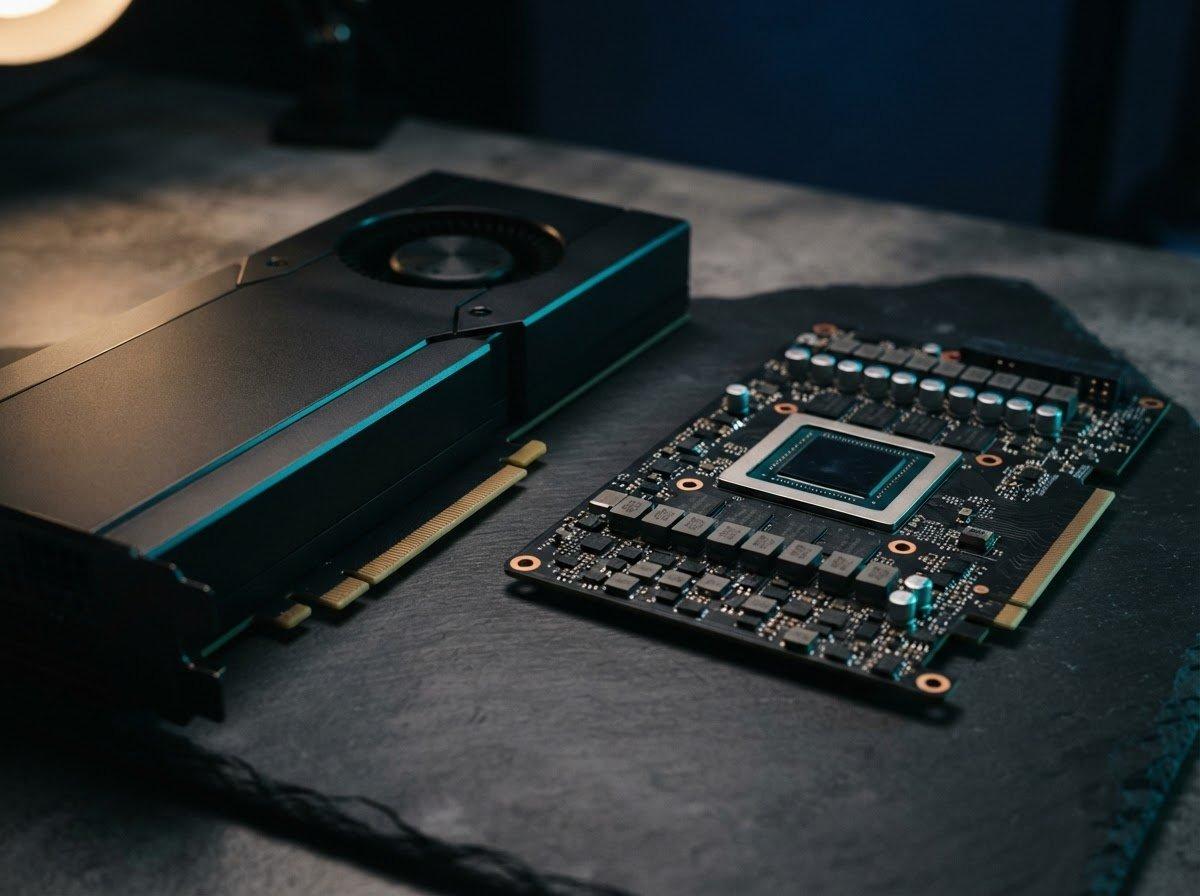
The architecture difference between GPU and TPU matters most when it changes the execution path of a real training job. NVIDIA GPUs and Google TPUs offer distinct hardware platforms for AI workloads.
Access, software, and portability
Access determines how quickly a team can prototype, scale, move workloads, and recover from supply constraints. GPU environments support CUDA, PyTorch, JAX, and custom kernels across multiple cloud providers and on-premises infrastructure. TPUs run JAX and PyTorch through XLA, but teams should validate current native PyTorch support before treating migration as routine.
GPU access: Available across clouds and on premises.
TPU access: Rented through Google Cloud.
CUDA workflows: Support mature custom-kernel development.
XLA workflows: Require graph compilation awareness.
Portability: Multi-cloud options favor GPU-based stacks.
Google Cloud documentation should be the source of record for supported TPU features, framework paths, and configurations. TPU code may need framework and kernel changes, making framework validation an early planning task. Teams evaluating TPU versus GPU training should treat code portability as a measured engineering cost, not a checkbox.
Throughput is a workload metric, not a peak-spec metric
Tokens per second per chip indicates useful output, model FLOPs utilization shows how much theoretical compute becomes productive work, and time to train reflects the whole system. Data loading, collective communication, recompilation, checkpointing, host bottlenecks, and failed jobs can erase a favorable chip specification. For custom operations or unusual model architectures, a GPU may achieve better practical utilization simply because the team can profile and change the kernel path.
Scale-up domains also change the outcome. NVIDIA documentation should be consulted to confirm the applicable NVLink scale-up domain for the selected system. That makes AI cluster interconnects a central design issue for very large training runs, especially when communication-heavy mixture-of-experts routing is involved.
How to compare training cost and scale-up behavior
The cost of training models on TPU vs GPU depends on delivered tokens, not hourly accelerator price alone. Use this formula: cost per trained token equals chip-hours multiplied by price, divided by trained tokens. The formula remains valid whether capacity is on-demand, committed, reserved, or internally allocated, but each term must reflect the actual job rather than nominal hardware capacity.
Build a cost model that includes the hidden work
Track accelerator spend alongside engineering time, failed runs, idle resources, queueing delays, checkpoint storage, data movement, and commitment discounts. A cheaper chip-hour can cost more if compiler issues delay experiments or if an unavailable capacity pool blocks training at a critical point. Conversely, a stable large reservation can justify platform-specific optimization when the workload is predictable and long-lived.
Benchmark submissions show why system context matters. MLPerf Training results can help contextualize reported results, but benchmark submissions are not a substitute for the model shape, sequence length, optimizer, and data pipeline used in your own training program. For an independent overview of MLPerf Training results, compare workload configurations before drawing procurement conclusions.[1]
Google's TPU7x documentation confirms high-bandwidth ICI and mixed-precision compute such as FP8 and BF16, while data movement across its multiple memory tiers is crucial to performance.[2] Read vendor results as claims tied to a specific configuration, then compare them with MLPerf training benchmarks and your own telemetry.
Decision factor | GPU platform | TPU platform | What to validate |
|---|---|---|---|
Access | Multiple clouds and on premises | Google Cloud rental | Capacity and location constraints |
Software path | CUDA, PyTorch, JAX, custom kernels | JAX and PyTorch through XLA | Compilation and operator compatibility |
Scale-up domain | NVL72 connects 72 GPUs | Ironwood scales to 9,216 chips | Communication pattern at target scale |
Cost model | Price varies by provider and commitment | Price varies by Google Cloud commitment | Chip-hours per trained token |
Benchmark evidence | MLPerf submissions vary by round | MLPerf submissions vary by round | Comparable workload configuration |
The table does not declare a winner because access model and software compatibility can outweigh hardware-level throughput. Pricing must be modeled from the capacity option you can actually reserve, since public comparisons rarely represent negotiated commitments or utilization losses.
Use benchmarks without turning them into procurement shortcuts
MLCommons is a reference point for training comparisons, but not every platform submits in every round or uses identical configurations. Inspect cluster size, model, and time-to-train conditions in the official results. Peak throughput only becomes valuable when it maps to your batch size, convergence behavior, and operational constraints.
NinjaStudio.ai approaches benchmark interpretation with a focus on production viability, where reproducibility and workflow friction matter as much as an isolated score. Linux Foundation research finds PyTorch leads model-training adoption at 63% among organizations building or training generative AI models, making existing framework expertise a material migration consideration.[3]
Choose hardware through a controlled pilot
A decision framework should start with workload constraints, then validate them with a short production-like training run. Custom kernels, unusual operators, or multi-cloud requirements point toward GPUs because the CUDA ecosystem offers the broadest tooling surface. Large, steady training in JAX or PyTorch with XLA on Google Cloud can favor TPUs when the team can use supported configurations and reserve capacity consistently.
Define the pilot before allocating a large cluster
Run the same model slice, dataset pipeline, precision setting, optimizer, and checkpoint cadence on each viable platform. Record tokens per second per chip, end-to-end wall-clock time, model FLOPs utilization where available, accelerator idle time, failure rate, compile time, and engineer-hours required to resolve issues. This produces a comparable cost-per-token model instead of a procurement decision based on launch materials.
GPU teams should also monitor whether scaling stops at the rack boundary or degrades across the broader fabric. TPU teams should inspect input pipelines and XLA compilation behavior because TPU7x uses multiple memory tiers, and Google identifies data movement between those tiers as crucial to performance. A disciplined pilot measures how TPU clusters and GPU nodes scale for your model rather than leaving the question theoretical.
Plan for deployment before training finishes
Training hardware affects model deployment speed when checkpoint formats, runtime support, quantization paths, and serving capacity differ from the training environment. A team that trains on one platform and serves on another should budget conversion tests and performance validation before committing to a large run. For broader planning, account for LLM infrastructure costs, including the serving and operational work that follows a successful training job.
NinjaStudio.ai can help technical teams interpret fast-moving accelerator announcements through the practical questions of workload fit, benchmark validity, and deployment impact. The relevant signal is not market attention around a chip family, but whether the platform improves the end-to-end experiment loop for your organization. Context on the AI chip market can help separate market-share narratives from workload-specific evaluation.
Conclusion
GPUs are the practical choice when custom kernels, broad framework support, multi-cloud portability, or on-premises deployment shape the roadmap. TPUs can be appropriate for large, consistent Google Cloud training workloads that fit JAX or PyTorch through XLA and benefit from pod-level scaling. Use cost per trained token as the financial measure, but include queueing, failures, engineering effort, and downstream deployment work. For a decision with durable value, run a controlled pilot before purchasing a large commitment.
Once a platform is chosen, the cost conversation does not stop at training: quantization techniques can meaningfully change the inference-side economics regardless of which hardware trained the model.
Frequently Asked Questions (FAQs)
What is the difference between GPU and TPU for AI?
The difference between GPU and TPU for AI is that GPUs provide general-purpose parallel compute with broad CUDA tooling, while TPUs are Google Cloud accelerators designed around XLA workflows and tightly integrated scale-up infrastructure.
How do I choose between TPU and GPU for my project?
Choose between TPU and GPU by testing your actual model, framework, custom operators, data pipeline, target scale, capacity availability, and end-to-end cost per trained token under a controlled pilot.
Is TPU faster than GPU for large language models?
A TPU is not universally faster than a GPU for large language models because delivered training speed depends on model architecture, software path, communication efficiency, data input, compiler behavior, and cluster configuration.
Why use a TPU instead of a GPU?
Use a TPU instead of a GPU when a stable Google Cloud workload fits supported JAX or PyTorch through XLA configurations and measured pilot results show favorable throughput, scaling, and engineering effort.
Is TPU cost effective compared to GPU instances?
TPU cost effectiveness compared to GPU instances depends on the realized chip-hours, price arrangement, trained-token output, idle time, failed jobs, queueing delays, and engineering work required for the complete workflow.
Is it difficult to migrate code from GPU to TPU?
Migrating code from GPU to TPU can be difficult when workloads rely on CUDA-specific kernels, unsupported operators, or execution assumptions that require adaptation for XLA compilation and TPU memory behavior.
Sources
- MLPerf Training results — spectrum.ieee.org ↩
- TPU7x (Ironwood) — Google Cloud ↩
- 2024 State of Generative AI in the Enterprise — Linux Foundation ↩